New feature3 minute read
Photos on visit records, and the app catches up with your fields
A Photos field on a visit record holds up to four pictures, added from the FullDiary app or the website. Hair, beauty, grooming, tattoo, motor and home trades start with one, and the app now shows yes or no fields, your own fields and the ones your customers fill in.

Director, DocMason and FullDiary
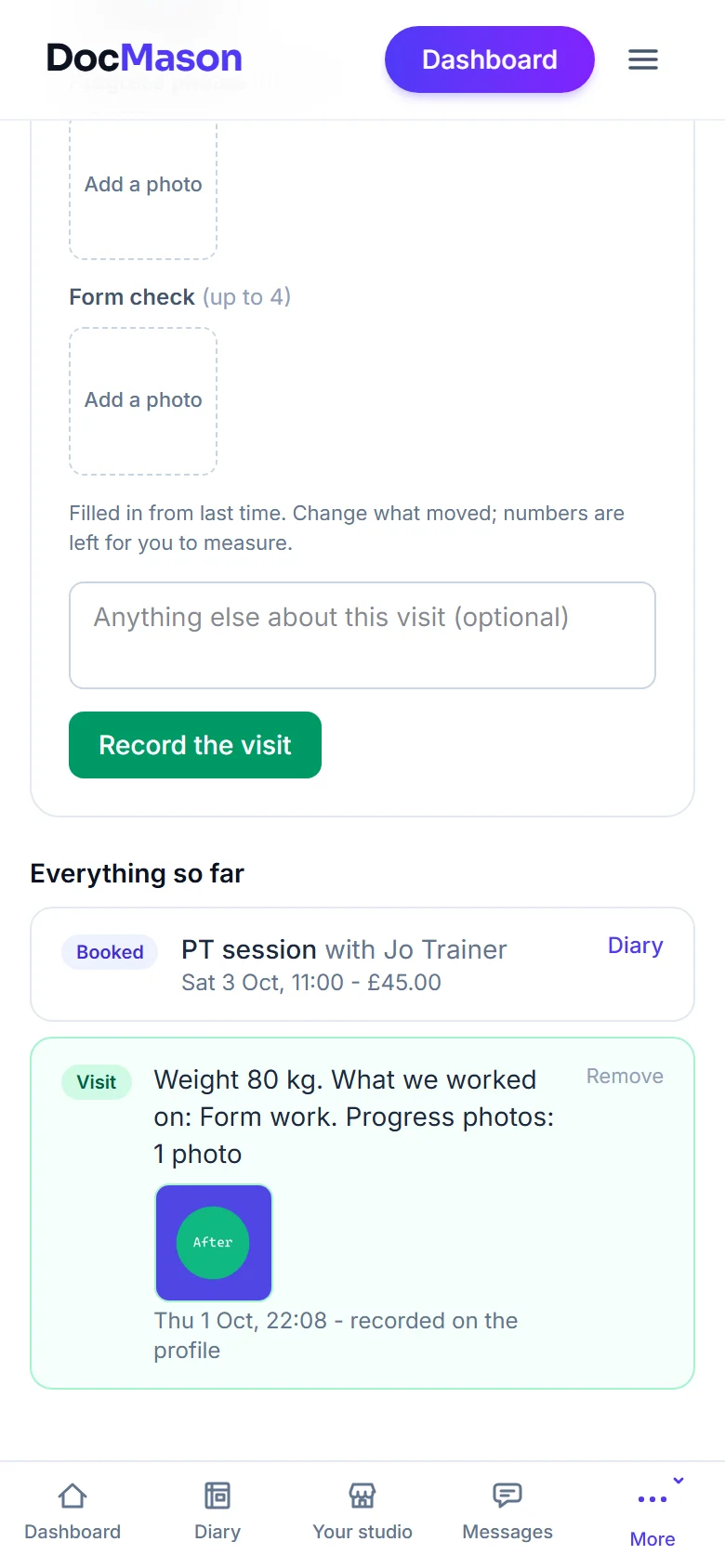
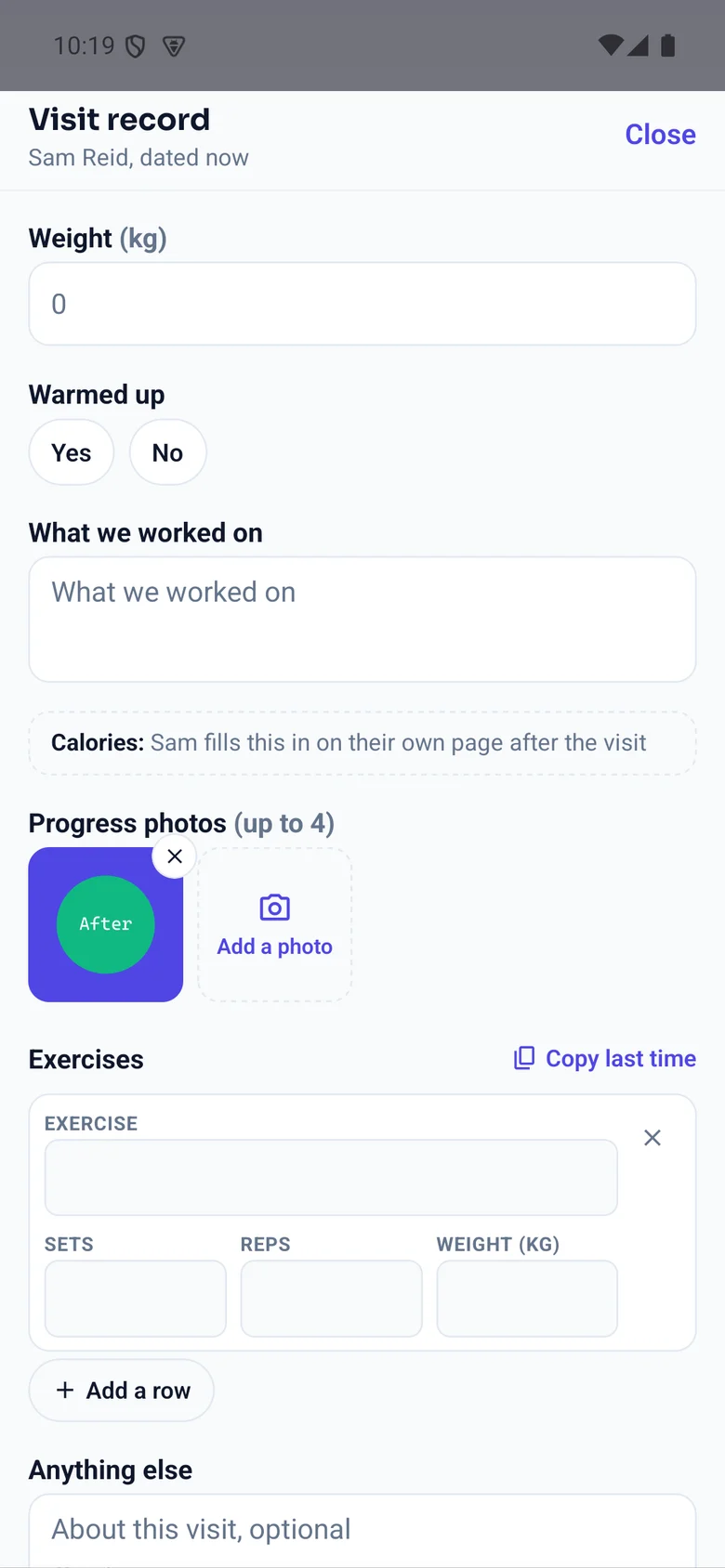
FullDiary is the booking system from DocMason for appointment businesses: an online booking page, a diary and reminders in one place. A visit record is what you write down when a customer has been in, and since this week the fields are yours to shape. Now one of them can be a photo. A barber keeps the cut, a nail technician the set, a decorator the before and after, a garage the worn part, a podiatrist the nail before treatment.
Adding a photo
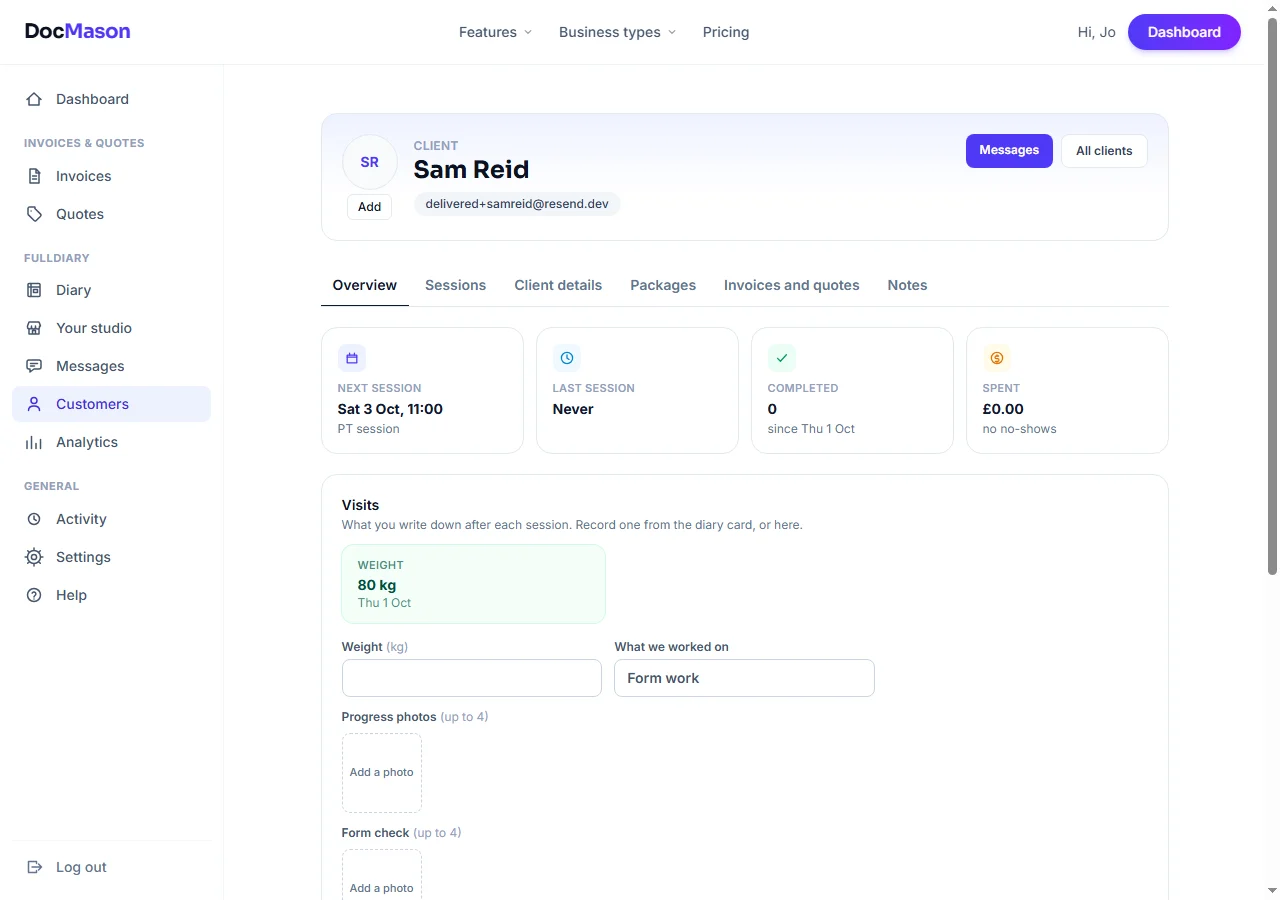
In the FullDiary app, open a booking or a customer and record the visit. Under a Photos field there is an Add a photo square: pick a picture from the phone's photos and it appears as a thumbnail. On the website the same square takes a file, or opens the camera on a phone's browser. Either way the picture is shrunk to half a megabyte before it goes, so the record stays quick to open. Four photos per field per visit, and a cross on each one takes it off again.
Who sees it
A photo belongs to the visit it was taken on. It shows on the booking's card in the diary and on the customer's profile, for you and your staff. Whether the customer sees it is the field's Customer can see it switch, under Your shop, Visit records: on, the thumbnails show on their own page next to their progress; off, the field is private and its photos never leave your shop. A Form check field a trainer keeps for themselves, say, beside a Progress photos field the client sees.
Which trades start with one
Barbers, hair and beauty salons, nail, lash and brow technicians, spray tanning, dog groomers, tattoo studios, podiatrists, garages, mobile valeters and mechanics, cleaners, painters and decorators, gardeners, handymen and window cleaners all have a Photos field from the start. Everyone else adds one in a few seconds: Your shop, Visit records, Add a field, type Photos.
The app catches up
The FullDiary app records visits with whatever fields your shop has set, and it now draws every kind. A yes or no field is two chips. A field you marked for the customer to fill in shows what they wrote and the day they saved it, and the app never types it for them. Photos have their Add a photo square. These changes come with the next app update from the App Store and Google Play.
Visit records and photos are on every plan, Free and Pro alike. To change your fields, open Your shop, then Visit records.
Questions people ask
- How many photos can I add to a visit?
- Four under each Photos field. A shop that wants more adds a second Photos field, a Before and an After, say.
- Can my customers add their own photos?
- Not yet. Photos are added by you. The fields a customer fills in themselves are numbers, text, yes or no and pick lists for now.
- Where are the photos kept, and are they private?
- In FullDiary's private storage, never on a public address. Your shop sees them, and the customer sees only the ones under a field you switched on for them. Removing the record removes its photos.
- Which plan is it on?
- Every plan. Photos, the fields and the editor are on Free and Pro alike.
Read next
Written by
Matt SucklingDirector, DocMason and FullDiary
Matt runs Cynical Software Ltd, the Perthshire company that makes DocMason and FullDiary, and builds both.