New feature3 minute read
Keep customers coming back, without chasing them
Three quiet emails do the follow-up most businesses mean to do and never get round to: a nudge when a regular is due back, a request for a Google review the day after a visit, and a link that lets customers move their own booking instead of just not turning up.

Director, DocMason and FullDiary
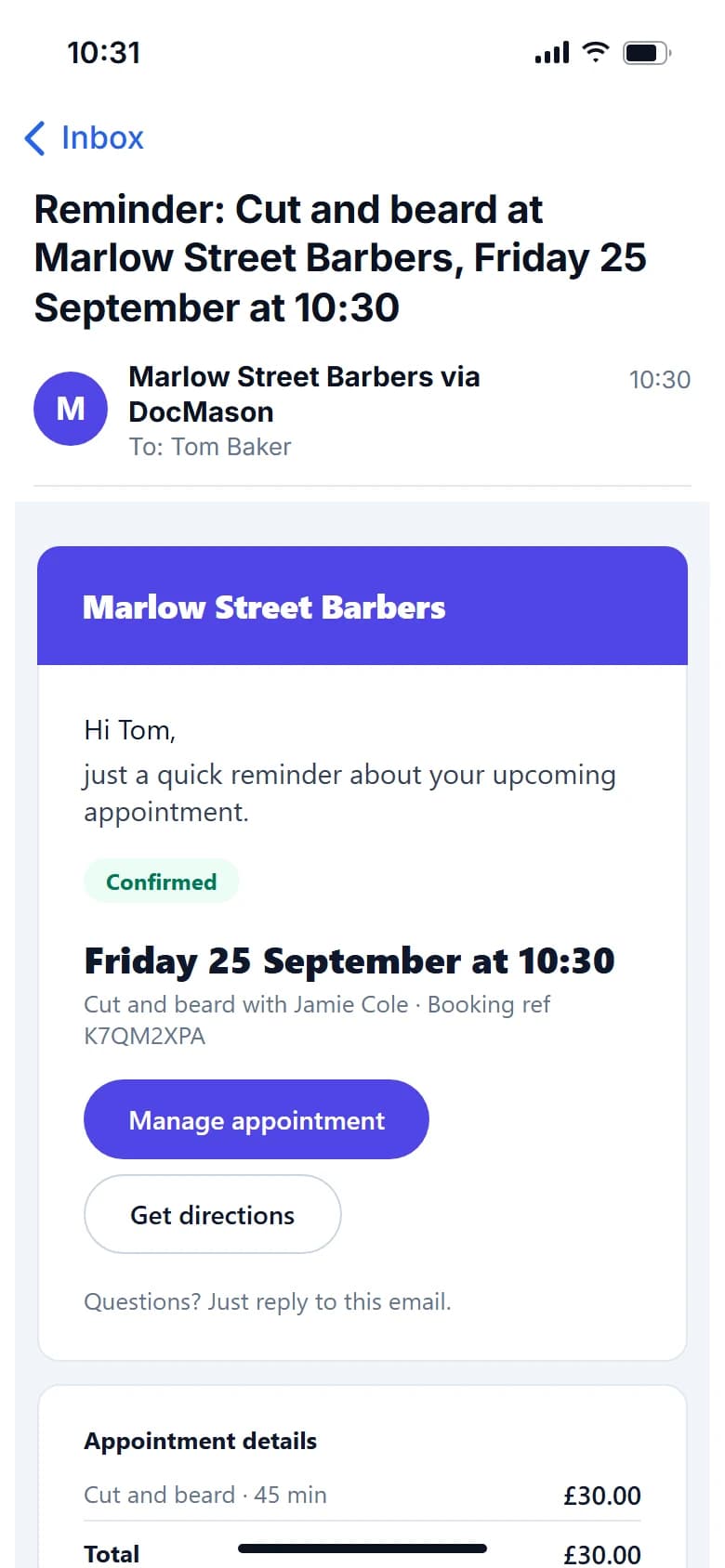
Most regulars do not leave because they are unhappy. They drift: life gets busy, six weeks becomes ten, and by then they have booked somewhere nearer. What keeps them is a little follow-up at the right moment, which is exactly the job a busy owner never has time for.
FullDiary, the online booking system from DocMason, sends that follow-up for you. You set it up once, and it runs on its own from then on.
A nudge when they are due back
Choose how long after a visit a customer should hear from you if they have not booked again. Your trade sets a sensible default: four weeks for a barber, eight for colour, six for a dog groomer, a year for an MOT. Anyone past that gap with nothing in the diary gets one friendly email with a link to book, and nobody is nudged twice for the same gap.
Set it under Your shop, Keeping customers. If a customer should be left out, switch follow-ups off for them.
A review request at the right moment
Paste your Google review link into the same page, and the day after each finished visit the customer gets one email asking how it was, with the link, while the visit is still fresh. It never goes after a no-show or a cancelled booking, and nobody is asked twice for the same visit.
Let them move it themselves
Every confirmation and reminder carries a link to the customer's own booking page. While the appointment is still outside your cancellation window, they can change the time to any free slot in the next two weeks, with the same person and service, in one press, and you get an email to say so. Inside the window, the page asks them to ring you instead.
It matters because a cancellation the day before is a gap you can still fill. A no-show is not.
Reminders before every appointment
Reminder emails go out before every appointment on every plan, including the free one, at the time you choose on Booking rules: the day before, the day before and again two hours before, or two days before and the day before. On Pro they can go by text as well.
Nobody gets pestered
Each of these emails goes once, and only when it still makes sense: a cancelled booking is never reminded, a customer with something already booked is never nudged, and anyone you switch off is left alone.
Questions people ask
- Can I choose when the rebooking email goes?
- Yes. Set the gap under Your shop, Keeping customers. Your trade sets a default during setup, and Off is a choice.
- Can I leave a customer out?
- Yes. Switch follow-ups off for that customer and they will not get rebooking emails.
- Where do I find my Google review link?
- Search for your business on Google while signed in to the account that manages it, choose Read reviews, then Get more reviews, and copy the link. Our help page walks through it step by step.
- Can customers cancel at the last minute?
- Not online. Inside your cancellation window their booking page asks them to ring you instead, so you hear about it.
Read next
Written by
Matt SucklingDirector, DocMason and FullDiary
Matt runs Cynical Software Ltd, the Perthshire company that makes DocMason and FullDiary, and builds both.