New feature3 minute read
Consultation and consent forms, filled in before they arrive
A clipboard at the chair is slow, and a drawer of paper forms is a data protection worry. FullDiary asks your consultation and consent questions on the booking page, before the appointment, and keeps the answers on the customer's record. Start from one of eight templates, free on every plan.

Director, DocMason and FullDiary
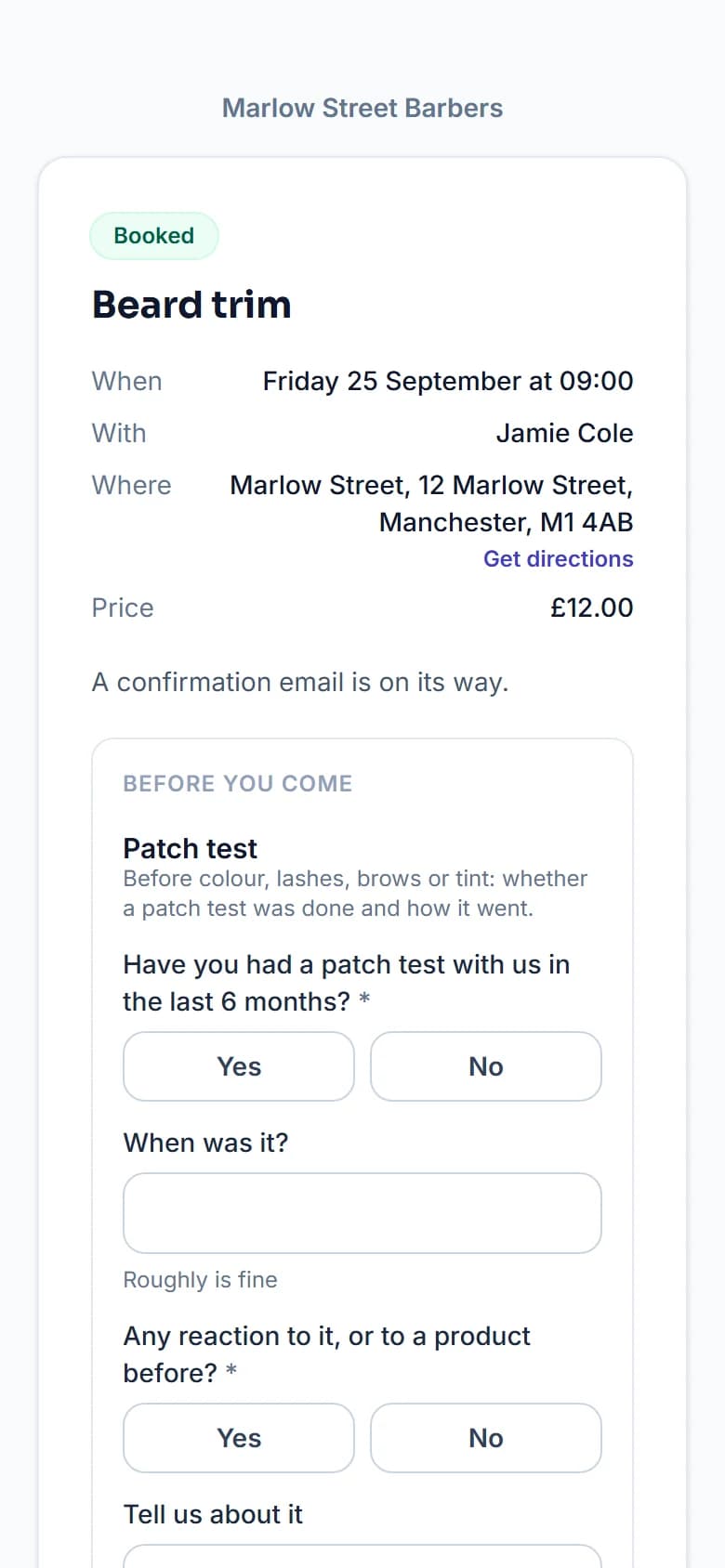
Some appointments cannot start without a few answers first: a patch test before colour, consent before a tattoo, a medical history before treatment. Asking at the chair eats into the appointment, and a box of handwritten forms with health details in it is hard to keep safe.
FullDiary, the online booking system from DocMason, moves the form to the booking, so the answers are waiting for you when the customer walks in.
What your customers see
When somebody books a service that needs a form, it appears on your booking page under Before you come, as soon as they have typed their email, and they answer it before the booking is made. If they booked over the phone, or skipped it, their booking page asks for it and the confirmation email says so. Once answered, they are not asked again until it is due, so a regular does not fill in the same form every visit.
Setting up your forms
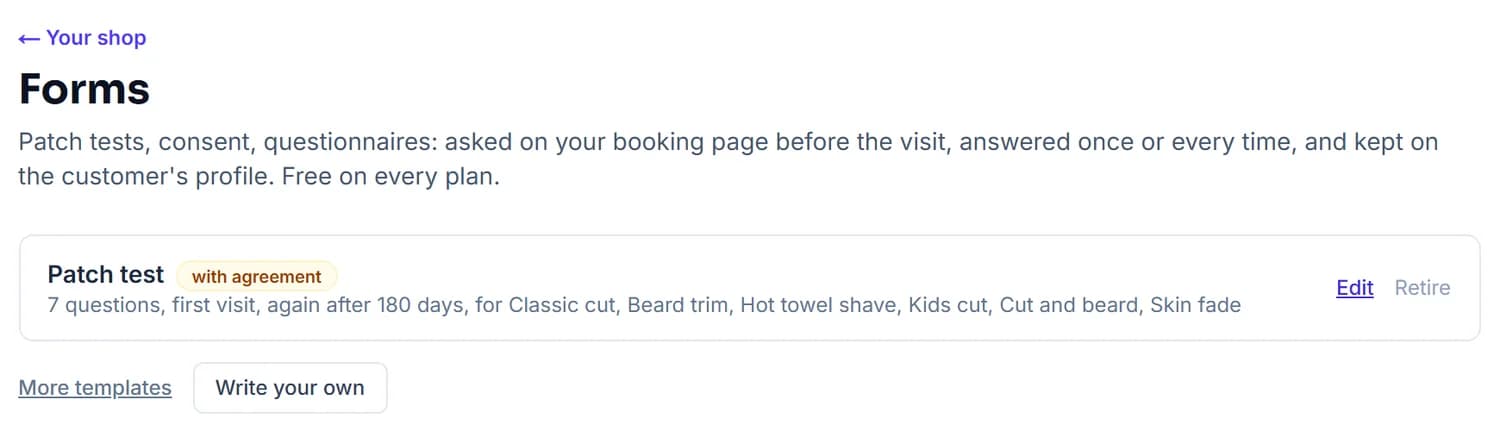
Under Your shop, Forms, your trade's templates are one tap away. Edit the questions (short or long answers, yes or no, pick one, tick to agree, or a date), mark the ones that must be answered, and choose when a form is asked: on the first visit and again after a set time, at every visit, or only when you ask. Then attach it to the services that need it.
A template for most trades
The eight templates, and the kinds of business they tend to suit:
- Patch test. Before colour, lashes, brows or tint.
- Tattoo consent. For tattoo and piercing studios.
- Health questionnaire. For personal trainers, massage and beauty treatments.
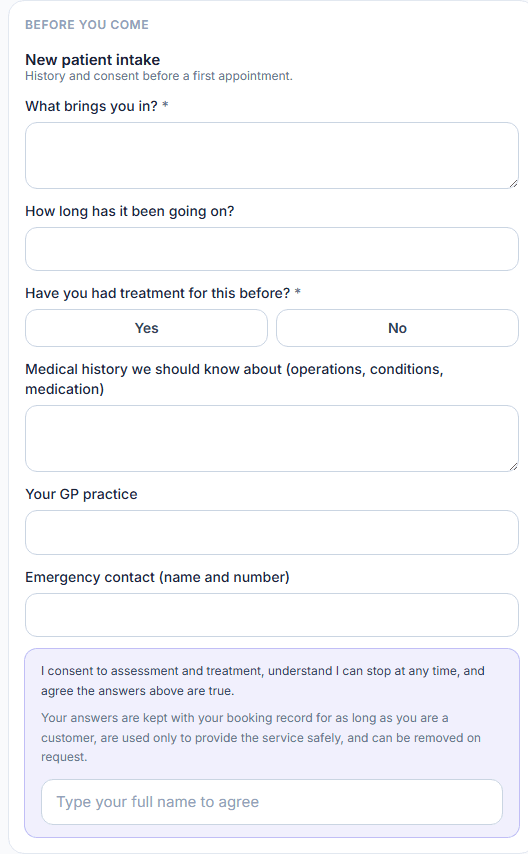
- New patient intake. For physiotherapists, osteopaths and podiatrists.
- Pet details. For dog groomers.
- Licence details. For driving instructors.
- Model release. For photographers.
- Consent to treatment. For clinics and aesthetics.
Health information, handled properly
Health and consent forms are treated as sensitive. The customer sees what the form is for and how long the answers are kept, and agrees by typing their name, with the time and device kept as a record. The answers stay on the customer's profile, can only leave as a PDF you download, and are never sent to an AI service. Records are held in the EU and only you and the team you invite can see them.
In the diary, each booking shows whether its forms are done, and a tap opens the answers.
Questions people ask
- Can I write my own form?
- Yes. Start from a template or a blank form, add the questions you actually ask, and mark the ones that must be answered.
- Is it suitable for health information?
- Yes. Health and consent forms show their purpose and a retention line, take a typed-name agreement and keep the time and device as a record. The answers are held in the EU, locked to your business, and never sent to an AI service.
- What if a customer books by phone?
- Their booking page asks for any form that is still owed, and their confirmation email says so, so it can be done before they arrive.
- Do forms cost extra?
- No. Forms are included on every FullDiary plan, including the free one.
Read next
Written by
Matt SucklingDirector, DocMason and FullDiary
Matt runs Cynical Software Ltd, the Perthshire company that makes DocMason and FullDiary, and builds both.