New feature3 minute read
Customer messages: one inbox for your business, not your personal phone
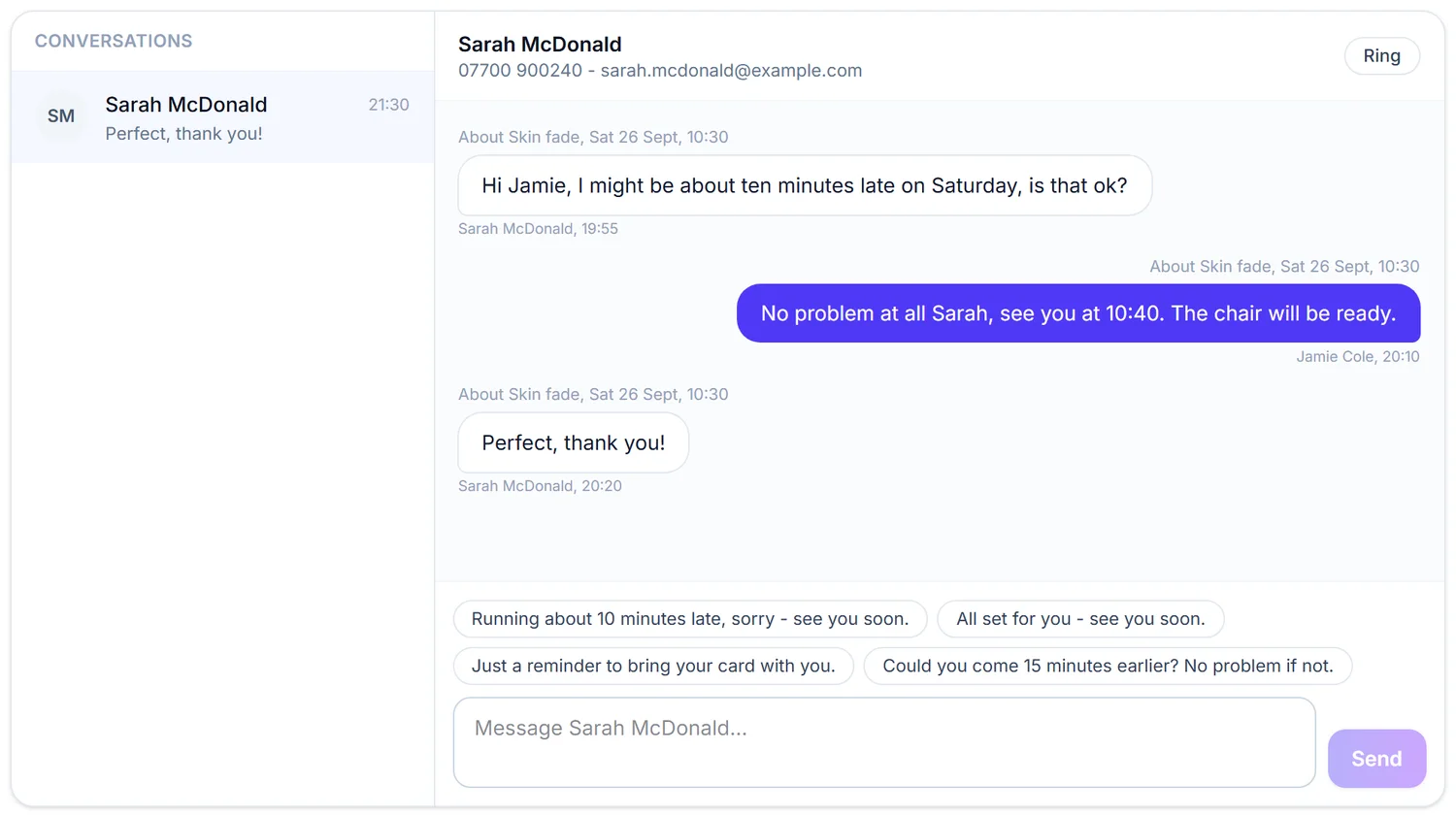
Running late, a change of time, what to bring: the messages that go with a booking live in one inbox that belongs to your business. Customers reply from their own page, your team can pick up any conversation, and your mobile number stays yours.

Director, DocMason and FullDiary
For most small businesses, customer messages arrive everywhere at once: Instagram, WhatsApp, a text, a voicemail. Nobody can find what was agreed, and once a customer has your mobile number, they have it on a Sunday too.
FullDiary, the online booking system from DocMason, puts those conversations where the bookings are.
How it works
Open any booking in the diary and press Message. The conversation opens pinned to that booking, with quick replies for the things you say a dozen times a day, like "Running about 10 minutes late" or "Just a reminder to bring your card with you", and a box for anything else.
The customer gets one email with your message and a Reply link. It opens their own page, where they can see their next booking, change or cancel it, and reply. Their replies, and their own quick replies such as "On my way", land in your inbox straight away, with an unread count so nothing is missed.
Why it beats texting from your own phone
- Your number stays yours. Everything goes through the inbox, and the emails come from your business name.
- The whole team can answer. The inbox belongs to the business, not to a handset, so anyone with a login can pick up a conversation, including the person at the chair who is running late.
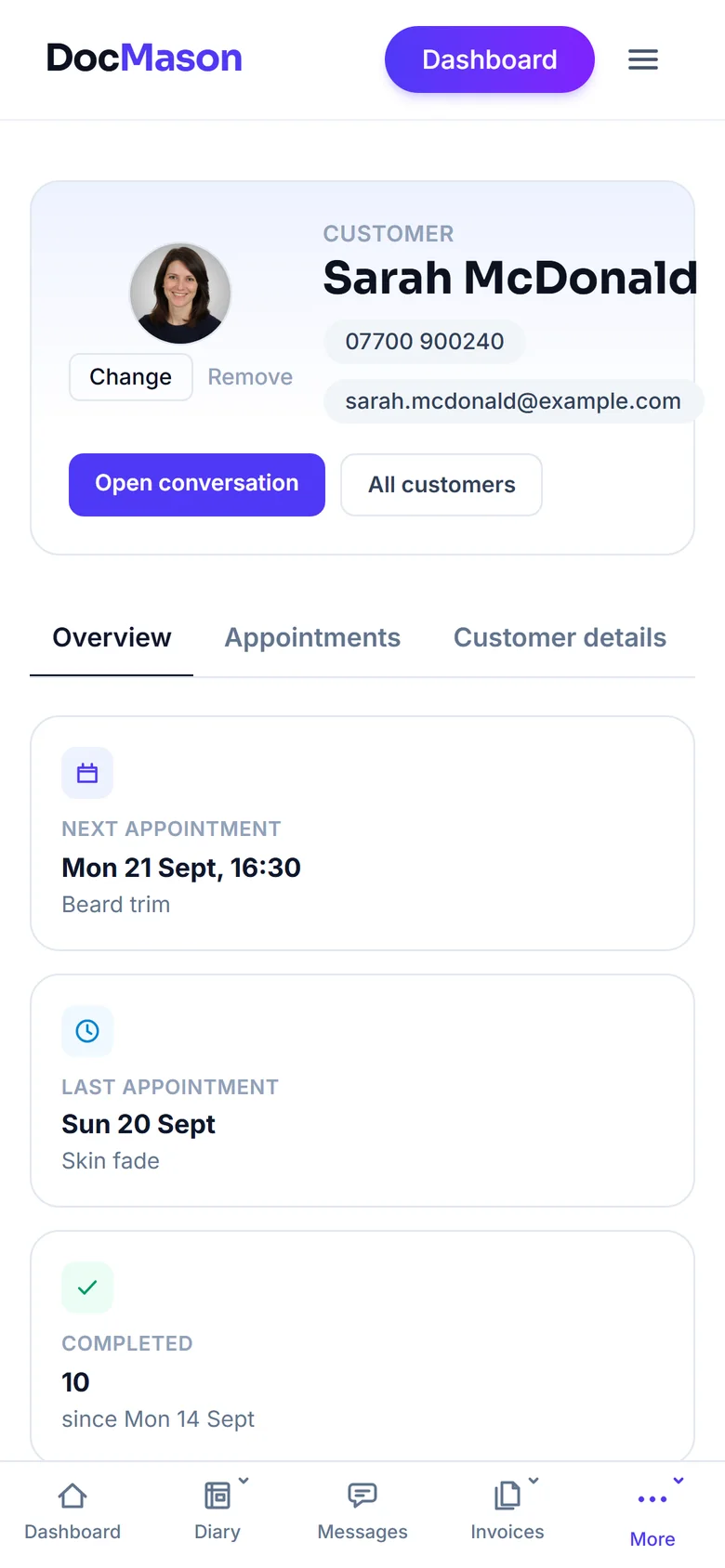
- You know who you are talking to. Their booking, their last visit and what they paid are right beside the conversation.
- It waits for you. It works more like email than live chat, so nobody expects an answer in ten seconds while you are working.
Notes they can see, and notes they cannot
On any booking you can send a shared note, like aftercare advice or what to bring, and the customer sees it on their page. The private note underneath never leaves your side: it goes on the customer's profile with their visits and spend, where only you and your team can read it.
Switching it on
Messages start on for the trades that live by them, like trainers, driving instructors, clinics and home services, and off for the rest. Switch them on or off at the top of the Messages page; turning them off hides the inbox and deletes nothing. Messaging is included on every FullDiary plan, with no charge per message.
Questions people ask
- Do customers need an app?
- No. Their page opens from a link in their email, in any browser, with no account or password.
- Will customers get my mobile number?
- No. Messages go through your FullDiary inbox, and the emails your customers receive come from your business name.
- Can my staff reply?
- Yes. Anyone with a login to your business can read and answer conversations.
- Does it cost extra?
- No. Messaging is on every plan, including the free one, with no charge per message.
Read next
Written by
Matt SucklingDirector, DocMason and FullDiary
Matt runs Cynical Software Ltd, the Perthshire company that makes DocMason and FullDiary, and builds both.